 AIConnectors.io
ChatGPT +
Incident IQ connector.
Ask ChatGPT about live Incident IQ work.
Installed and configured for your team.
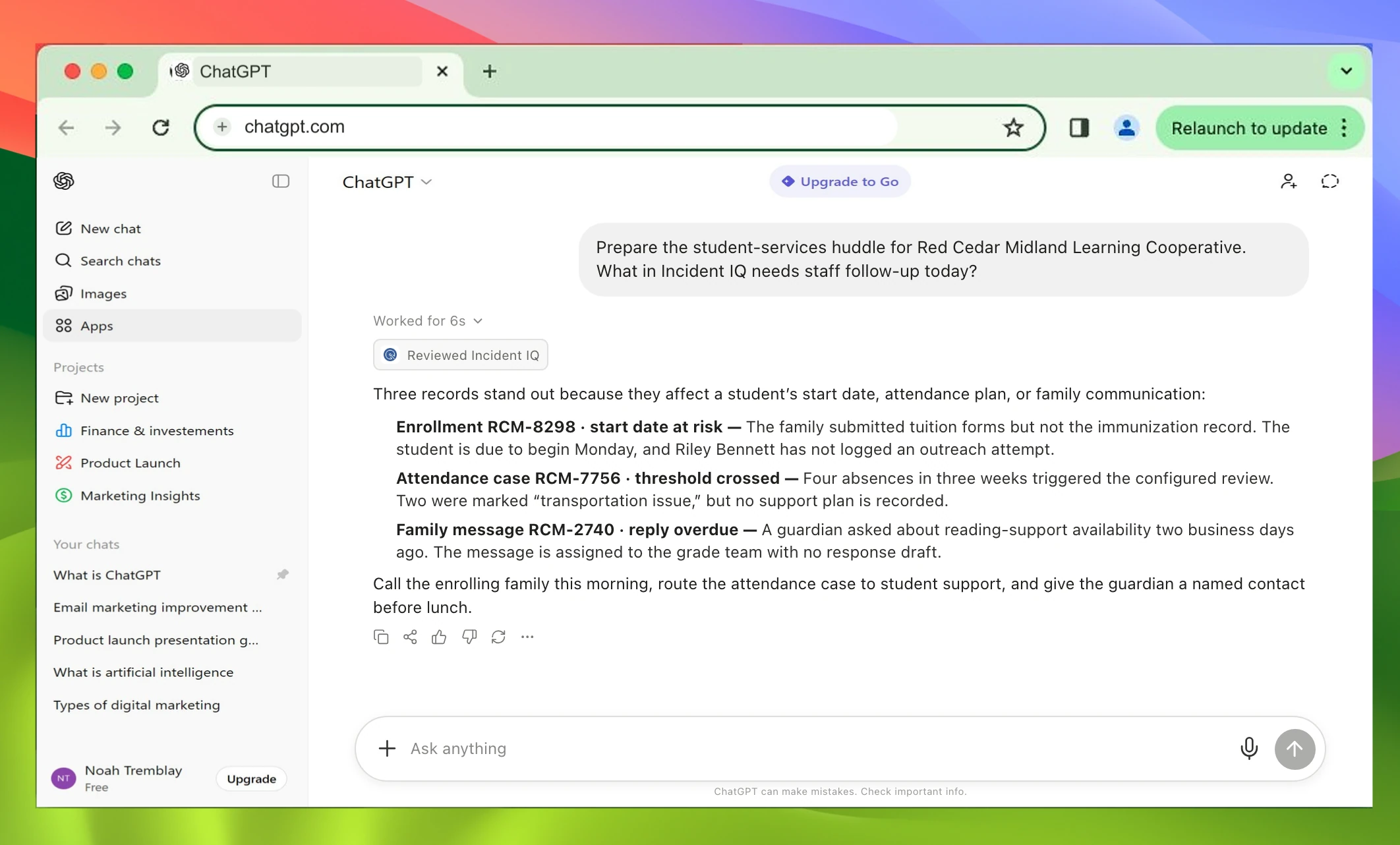
Prepare the student-services huddle for Red Cedar Midland Learning Cooperative. What in Incident IQ needs staff follow-up today?
Three records stand out because they affect a student’s start date, attendance plan, or family communication:
- Enrollment RCM-8298 · start date at risk The family submitted tuition forms but not the immunization record. The student is due to begin Monday, and Riley Bennett has not logged an outreach attempt.
- Attendance case RCM-7756 · threshold crossed Four absences in three weeks triggered the configured review. Two were marked “transportation issue,” but no support plan is recorded.
- Family message RCM-2740 · reply overdue A guardian asked about reading-support availability two business days ago. The message is assigned to the grade team with no response draft.
Call the enrolling family this morning, route the attendance case to student support, and give the guardian a named contact before lunch.
Claude version.
View Claude page →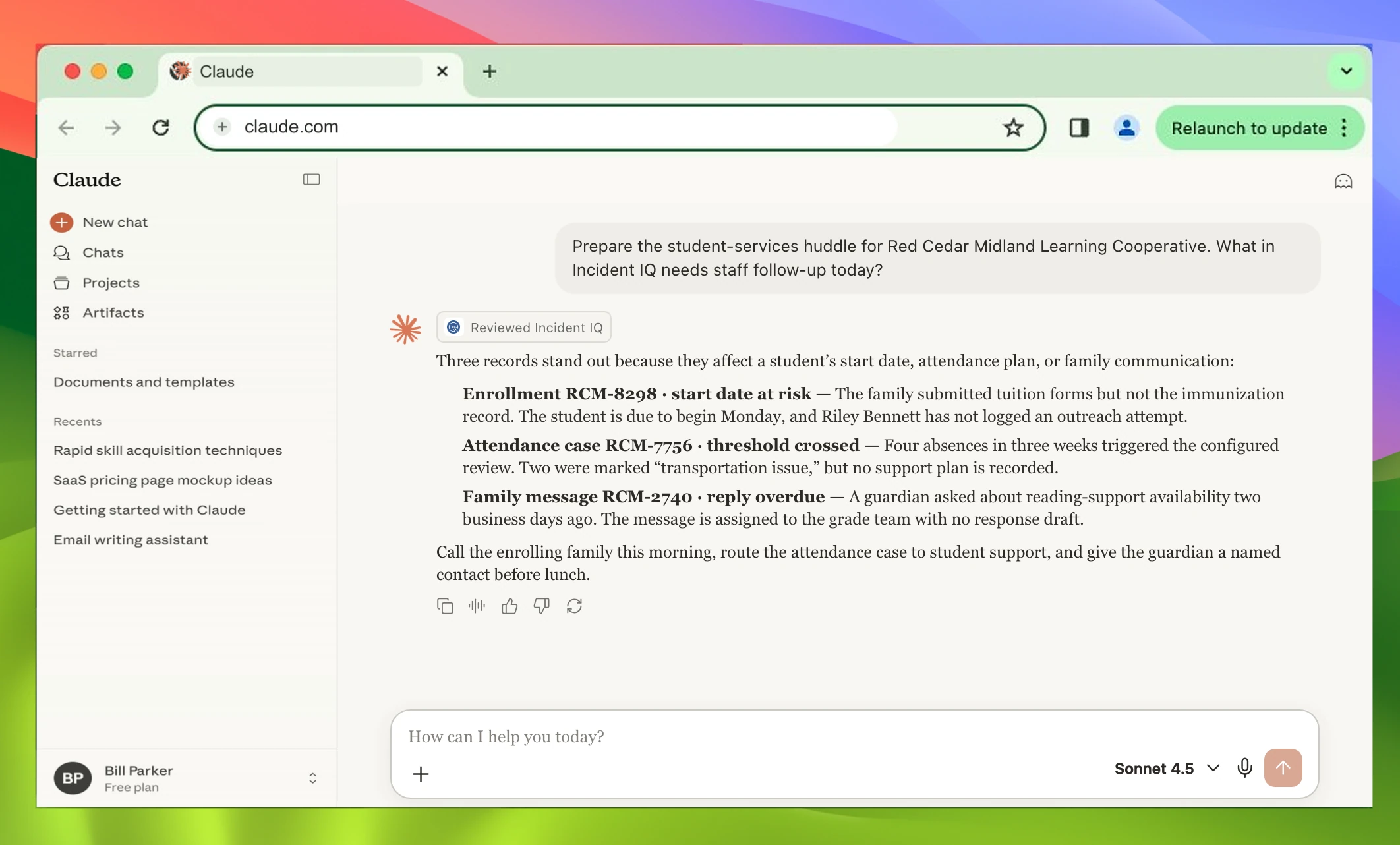
Prepare the student-services huddle for Red Cedar Midland Learning Cooperative. What in Incident IQ needs staff follow-up today?
Three records stand out because they affect a student’s start date, attendance plan, or family communication:
- Enrollment RCM-8298 · start date at risk The family submitted tuition forms but not the immunization record. The student is due to begin Monday, and Riley Bennett has not logged an outreach attempt.
- Attendance case RCM-7756 · threshold crossed Four absences in three weeks triggered the configured review. Two were marked “transportation issue,” but no support plan is recorded.
- Family message RCM-2740 · reply overdue A guardian asked about reading-support availability two business days ago. The message is assigned to the grade team with no response draft.
Call the enrolling family this morning, route the attendance case to student support, and give the guardian a named contact before lunch.
Setup included.
- 1Review
- 2Configure
- 3Connect + test