 AIConnectors.io
ChatGPT +
ShiftCare connector.
Ask ChatGPT about live ShiftCare work.
Installed and configured for your team.
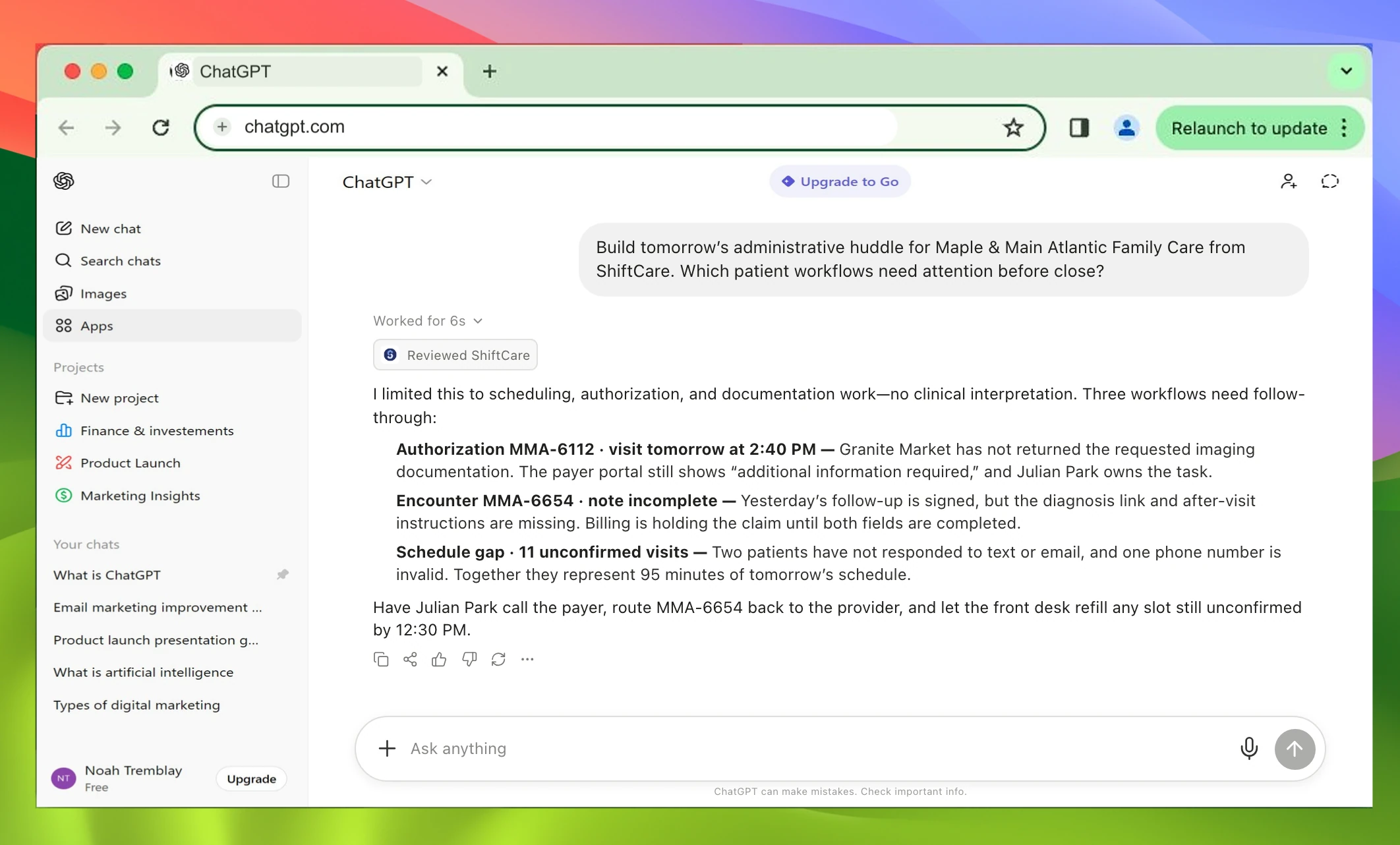
Build tomorrow’s administrative huddle for Maple & Main Atlantic Family Care from ShiftCare. Which patient workflows need attention before close?
I limited this to scheduling, authorization, and documentation work—no clinical interpretation. Three workflows need follow-through:
- Authorization MMA-6112 · visit tomorrow at 2:40 PM Granite Market has not returned the requested imaging documentation. The payer portal still shows “additional information required,” and Julian Park owns the task.
- Encounter MMA-6654 · note incomplete Yesterday’s follow-up is signed, but the diagnosis link and after-visit instructions are missing. Billing is holding the claim until both fields are completed.
- Schedule gap · 11 unconfirmed visits Two patients have not responded to text or email, and one phone number is invalid. Together they represent 95 minutes of tomorrow’s schedule.
Have Julian Park call the payer, route MMA-6654 back to the provider, and let the front desk refill any slot still unconfirmed by 12:30 PM.
Claude version.
View Claude page →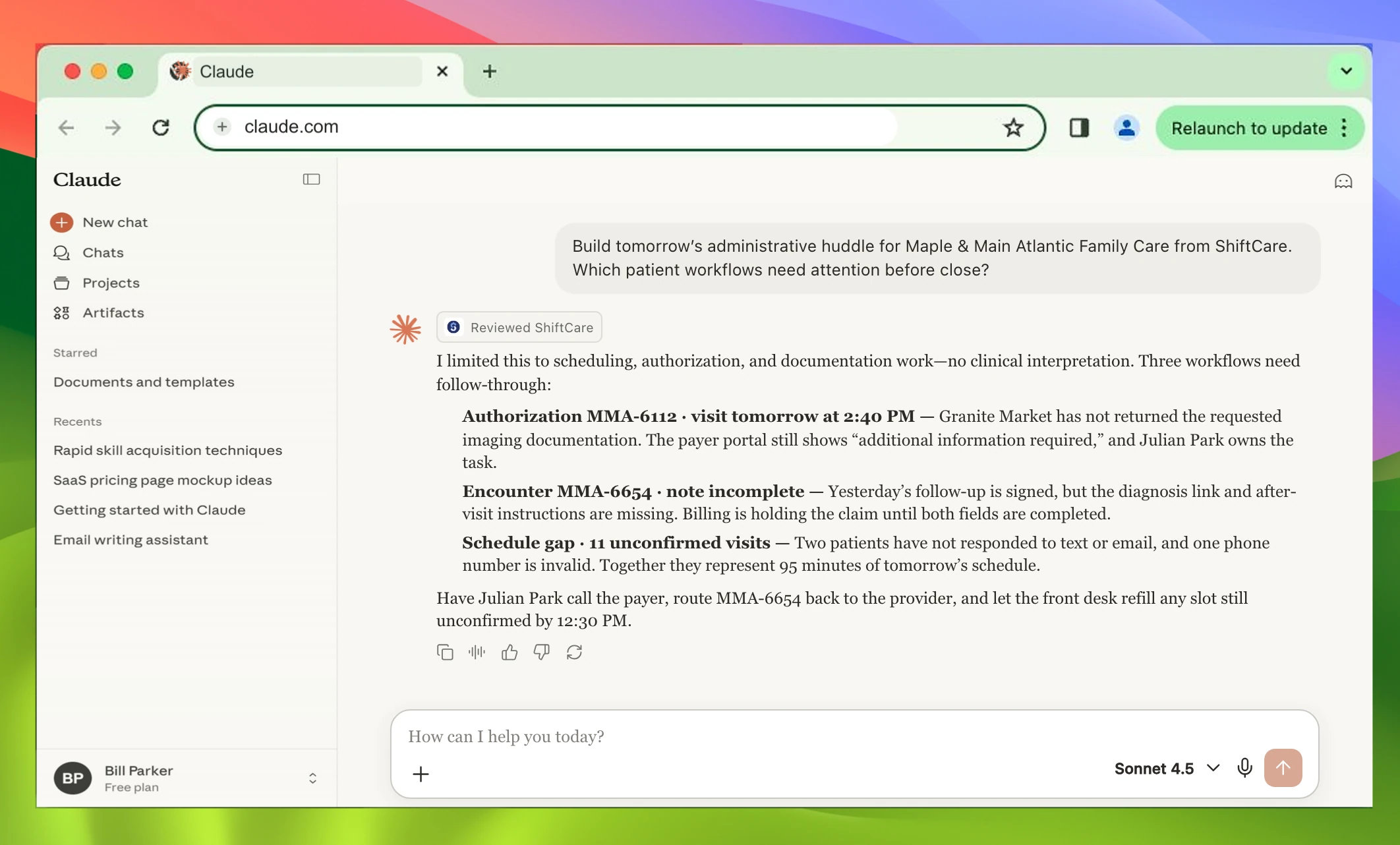
Build tomorrow’s administrative huddle for Maple & Main Atlantic Family Care from ShiftCare. Which patient workflows need attention before close?
I limited this to scheduling, authorization, and documentation work—no clinical interpretation. Three workflows need follow-through:
- Authorization MMA-6112 · visit tomorrow at 2:40 PM Granite Market has not returned the requested imaging documentation. The payer portal still shows “additional information required,” and Julian Park owns the task.
- Encounter MMA-6654 · note incomplete Yesterday’s follow-up is signed, but the diagnosis link and after-visit instructions are missing. Billing is holding the claim until both fields are completed.
- Schedule gap · 11 unconfirmed visits Two patients have not responded to text or email, and one phone number is invalid. Together they represent 95 minutes of tomorrow’s schedule.
Have Julian Park call the payer, route MMA-6654 back to the provider, and let the front desk refill any slot still unconfirmed by 12:30 PM.
Setup included.
- 1Review
- 2Configure
- 3Connect + test