 AIConnectors.io
Claude +
Freshdesk connector.
Ask Claude about live Freshdesk work.
Installed and configured for your team.
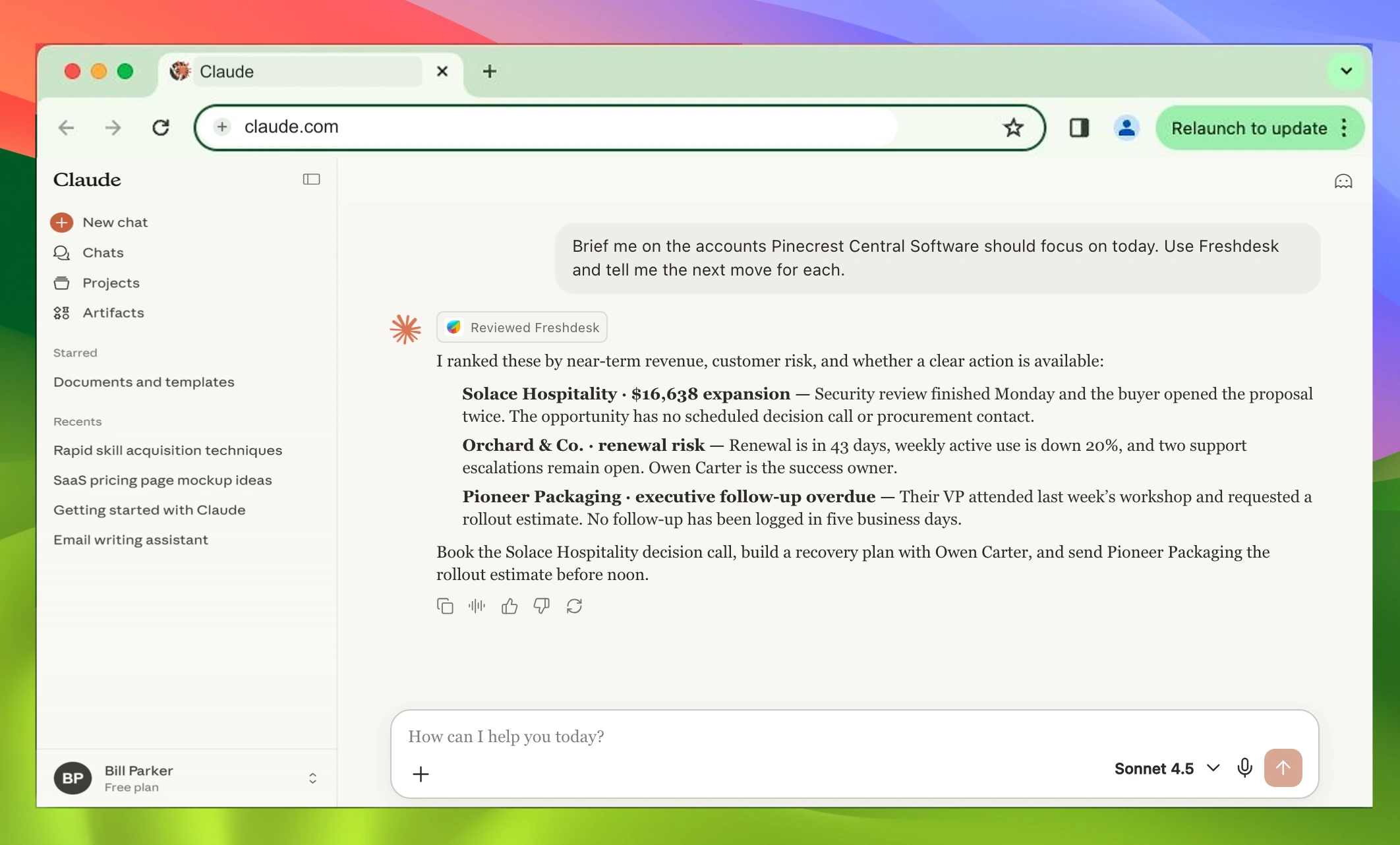
Brief me on the accounts Pinecrest Central Software should focus on today. Use Freshdesk and tell me the next move for each.
I ranked these by near-term revenue, customer risk, and whether a clear action is available:
- Solace Hospitality · $16,638 expansion Security review finished Monday and the buyer opened the proposal twice. The opportunity has no scheduled decision call or procurement contact.
- Orchard & Co. · renewal risk Renewal is in 43 days, weekly active use is down 20%, and two support escalations remain open. Owen Carter is the success owner.
- Pioneer Packaging · executive follow-up overdue Their VP attended last week’s workshop and requested a rollout estimate. No follow-up has been logged in five business days.
Book the Solace Hospitality decision call, build a recovery plan with Owen Carter, and send Pioneer Packaging the rollout estimate before noon.
ChatGPT version.
View ChatGPT page →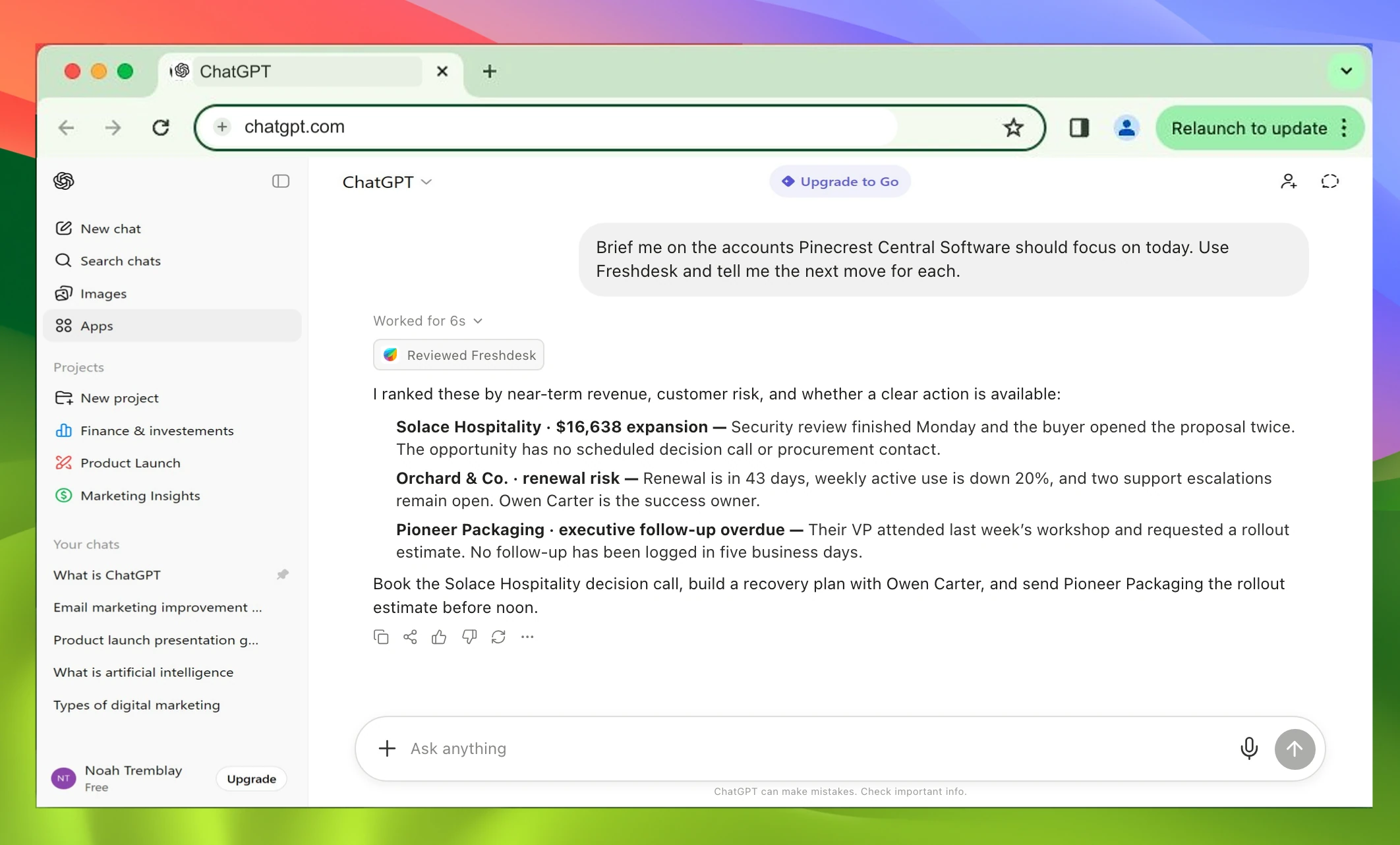
Brief me on the accounts Pinecrest Central Software should focus on today. Use Freshdesk and tell me the next move for each.
I ranked these by near-term revenue, customer risk, and whether a clear action is available:
- Solace Hospitality · $16,638 expansion Security review finished Monday and the buyer opened the proposal twice. The opportunity has no scheduled decision call or procurement contact.
- Orchard & Co. · renewal risk Renewal is in 43 days, weekly active use is down 20%, and two support escalations remain open. Owen Carter is the success owner.
- Pioneer Packaging · executive follow-up overdue Their VP attended last week’s workshop and requested a rollout estimate. No follow-up has been logged in five business days.
Book the Solace Hospitality decision call, build a recovery plan with Owen Carter, and send Pioneer Packaging the rollout estimate before noon.
Setup included.
- 1Review
- 2Configure
- 3Connect + test