 AIConnectors.io
Claude +
Litify connector.
Ask Claude about live Litify work.
Installed and configured for your team.
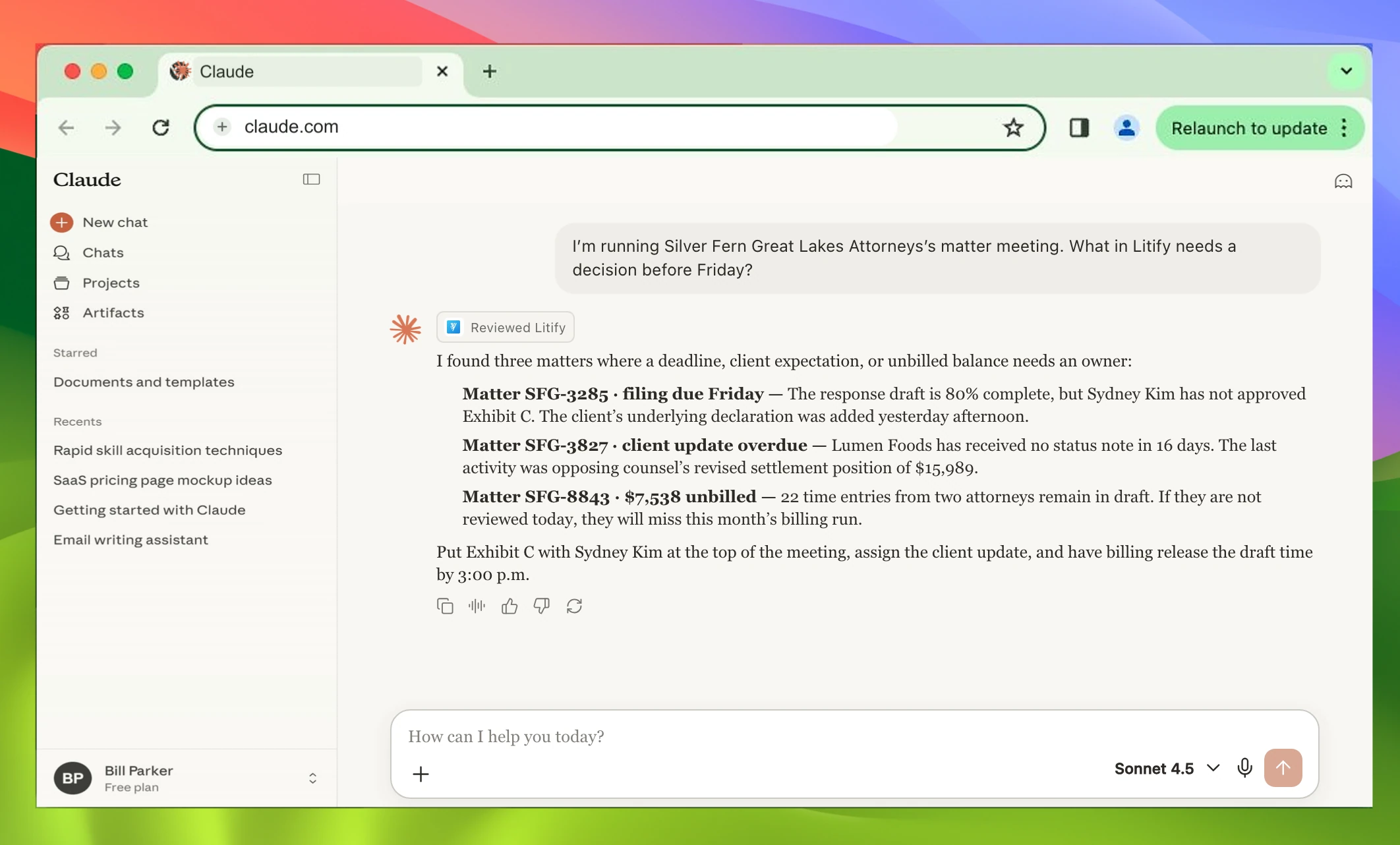
I’m running Silver Fern Great Lakes Attorneys’s matter meeting. What in Litify needs a decision before Friday?
I found three matters where a deadline, client expectation, or unbilled balance needs an owner:
- Matter SFG-3285 · filing due Friday The response draft is 80% complete, but Sydney Kim has not approved Exhibit C. The client’s underlying declaration was added yesterday afternoon.
- Matter SFG-3827 · client update overdue Lumen Foods has received no status note in 16 days. The last activity was opposing counsel’s revised settlement position of $15,989.
- Matter SFG-8843 · $7,538 unbilled 22 time entries from two attorneys remain in draft. If they are not reviewed today, they will miss this month’s billing run.
Put Exhibit C with Sydney Kim at the top of the meeting, assign the client update, and have billing release the draft time by 3:00 p.m.
ChatGPT version.
View ChatGPT page →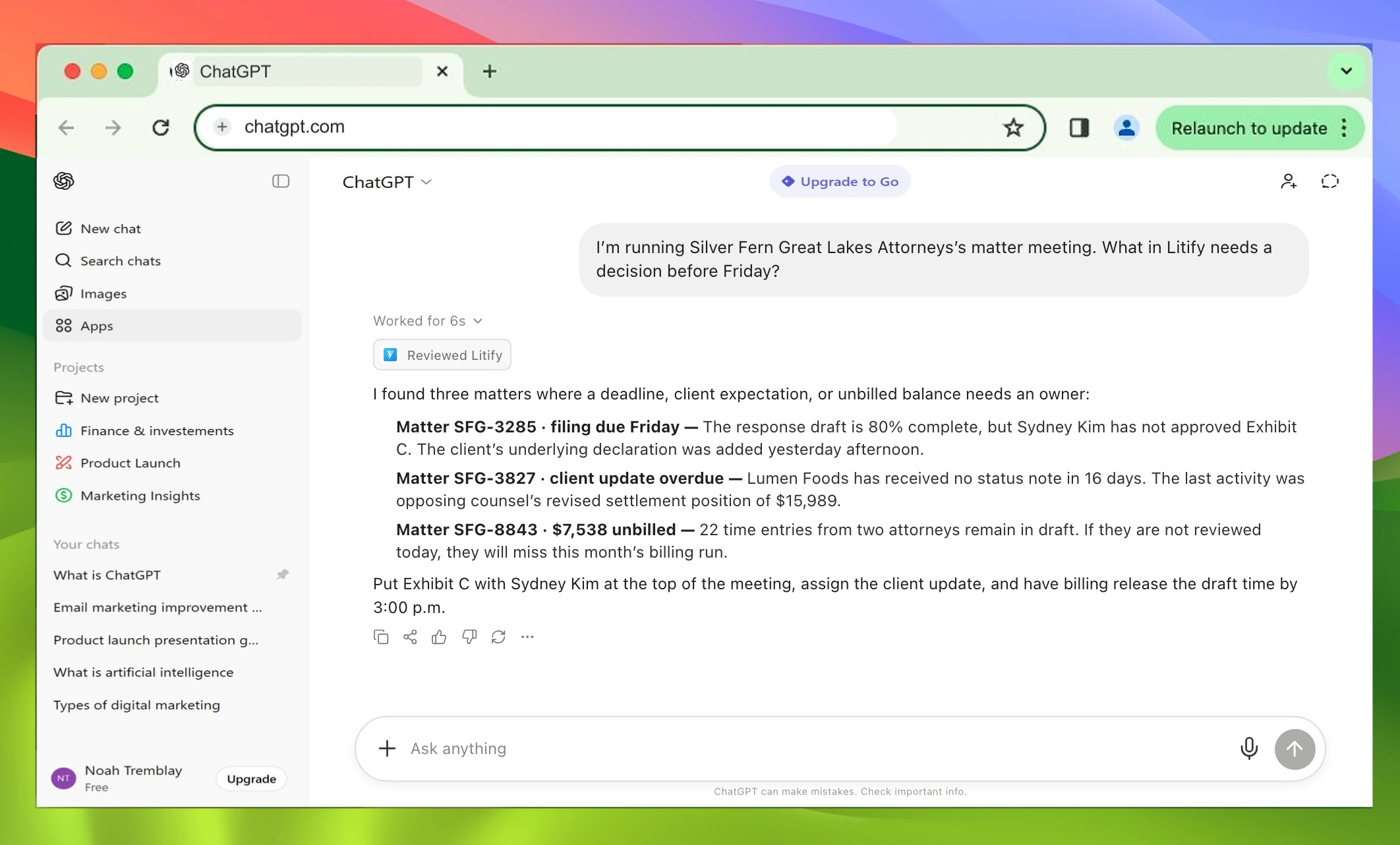
I’m running Silver Fern Great Lakes Attorneys’s matter meeting. What in Litify needs a decision before Friday?
I found three matters where a deadline, client expectation, or unbilled balance needs an owner:
- Matter SFG-3285 · filing due Friday The response draft is 80% complete, but Sydney Kim has not approved Exhibit C. The client’s underlying declaration was added yesterday afternoon.
- Matter SFG-3827 · client update overdue Lumen Foods has received no status note in 16 days. The last activity was opposing counsel’s revised settlement position of $15,989.
- Matter SFG-8843 · $7,538 unbilled 22 time entries from two attorneys remain in draft. If they are not reviewed today, they will miss this month’s billing run.
Put Exhibit C with Sydney Kim at the top of the meeting, assign the client update, and have billing release the draft time by 3:00 p.m.
Setup included.
- 1Review
- 2Configure
- 3Connect + test