 AIConnectors.io
Claude +
Wiz connector.
Ask Claude about live Wiz work.
Installed and configured for your team.
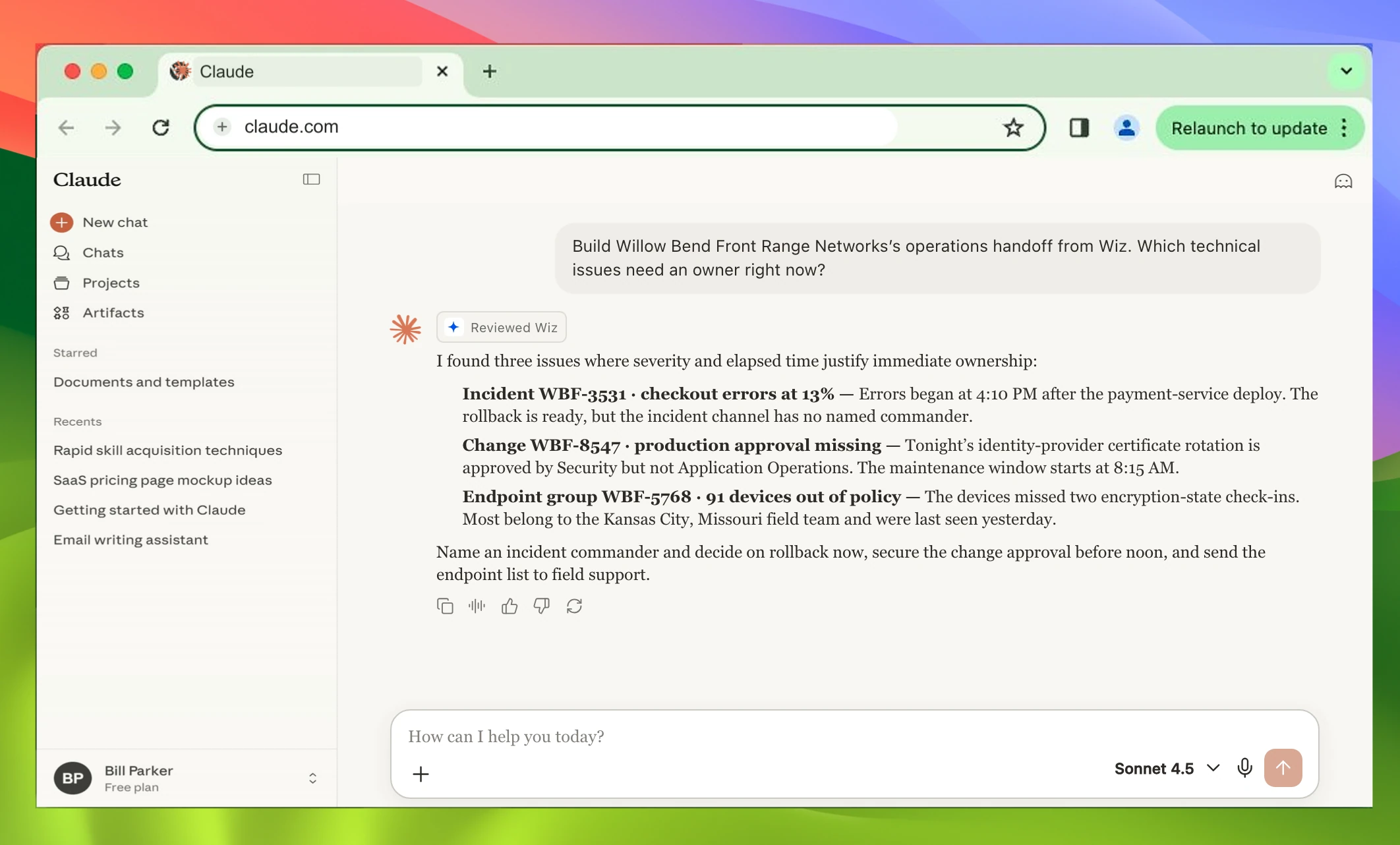
Build Willow Bend Front Range Networks’s operations handoff from Wiz. Which technical issues need an owner right now?
I found three issues where severity and elapsed time justify immediate ownership:
- Incident WBF-3531 · checkout errors at 13% Errors began at 4:10 PM after the payment-service deploy. The rollback is ready, but the incident channel has no named commander.
- Change WBF-8547 · production approval missing Tonight’s identity-provider certificate rotation is approved by Security but not Application Operations. The maintenance window starts at 8:15 AM.
- Endpoint group WBF-5768 · 91 devices out of policy The devices missed two encryption-state check-ins. Most belong to the Kansas City, Missouri field team and were last seen yesterday.
Name an incident commander and decide on rollback now, secure the change approval before noon, and send the endpoint list to field support.
ChatGPT version.
View ChatGPT page →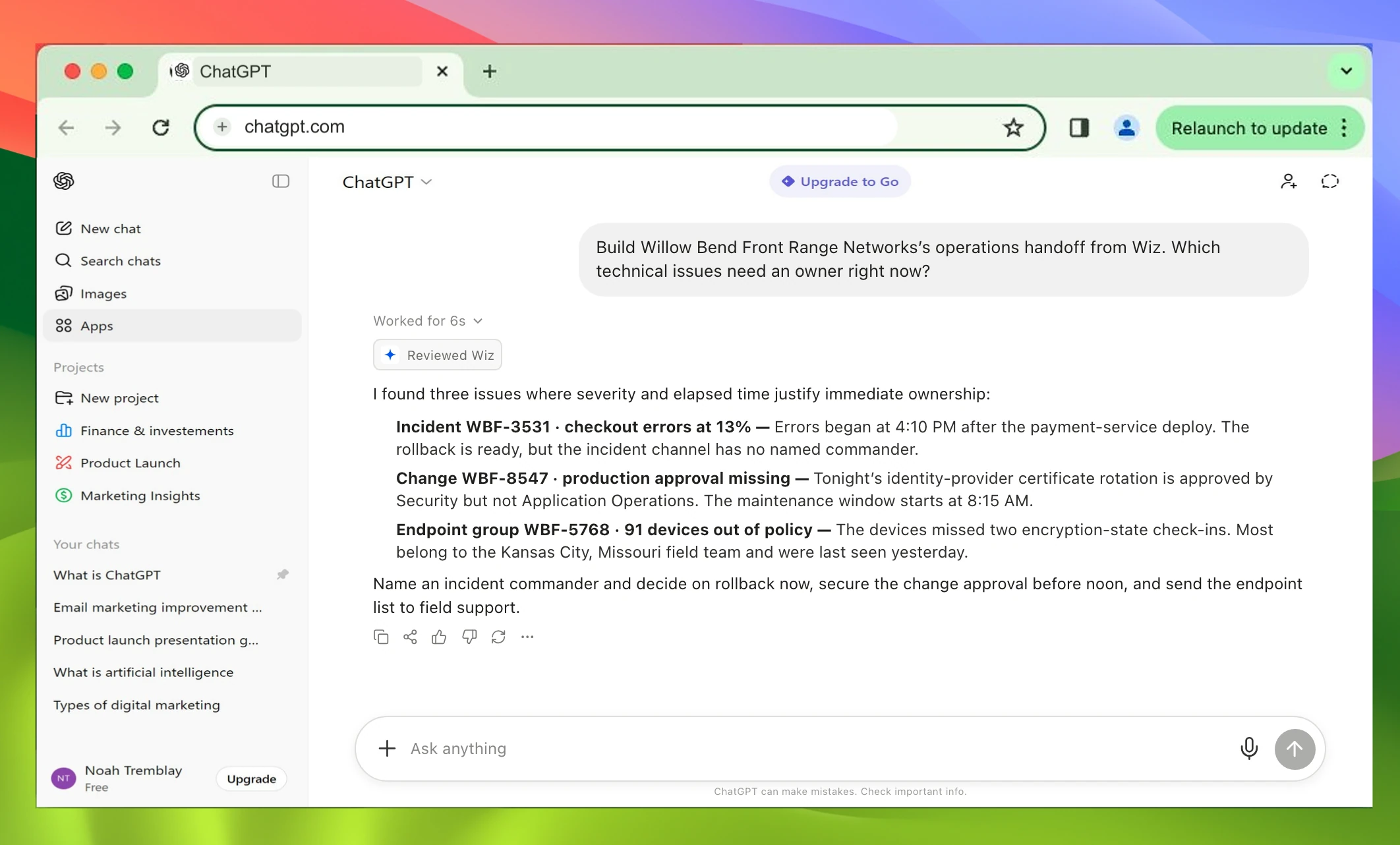
Build Willow Bend Front Range Networks’s operations handoff from Wiz. Which technical issues need an owner right now?
I found three issues where severity and elapsed time justify immediate ownership:
- Incident WBF-3531 · checkout errors at 13% Errors began at 4:10 PM after the payment-service deploy. The rollback is ready, but the incident channel has no named commander.
- Change WBF-8547 · production approval missing Tonight’s identity-provider certificate rotation is approved by Security but not Application Operations. The maintenance window starts at 8:15 AM.
- Endpoint group WBF-5768 · 91 devices out of policy The devices missed two encryption-state check-ins. Most belong to the Kansas City, Missouri field team and were last seen yesterday.
Name an incident commander and decide on rollback now, secure the change approval before noon, and send the endpoint list to field support.
Setup included.
- 1Review
- 2Configure
- 3Connect + test