 AIConnectors.io
Claude +
Portchain connector.
Ask Claude about live Portchain work.
Installed and configured for your team.
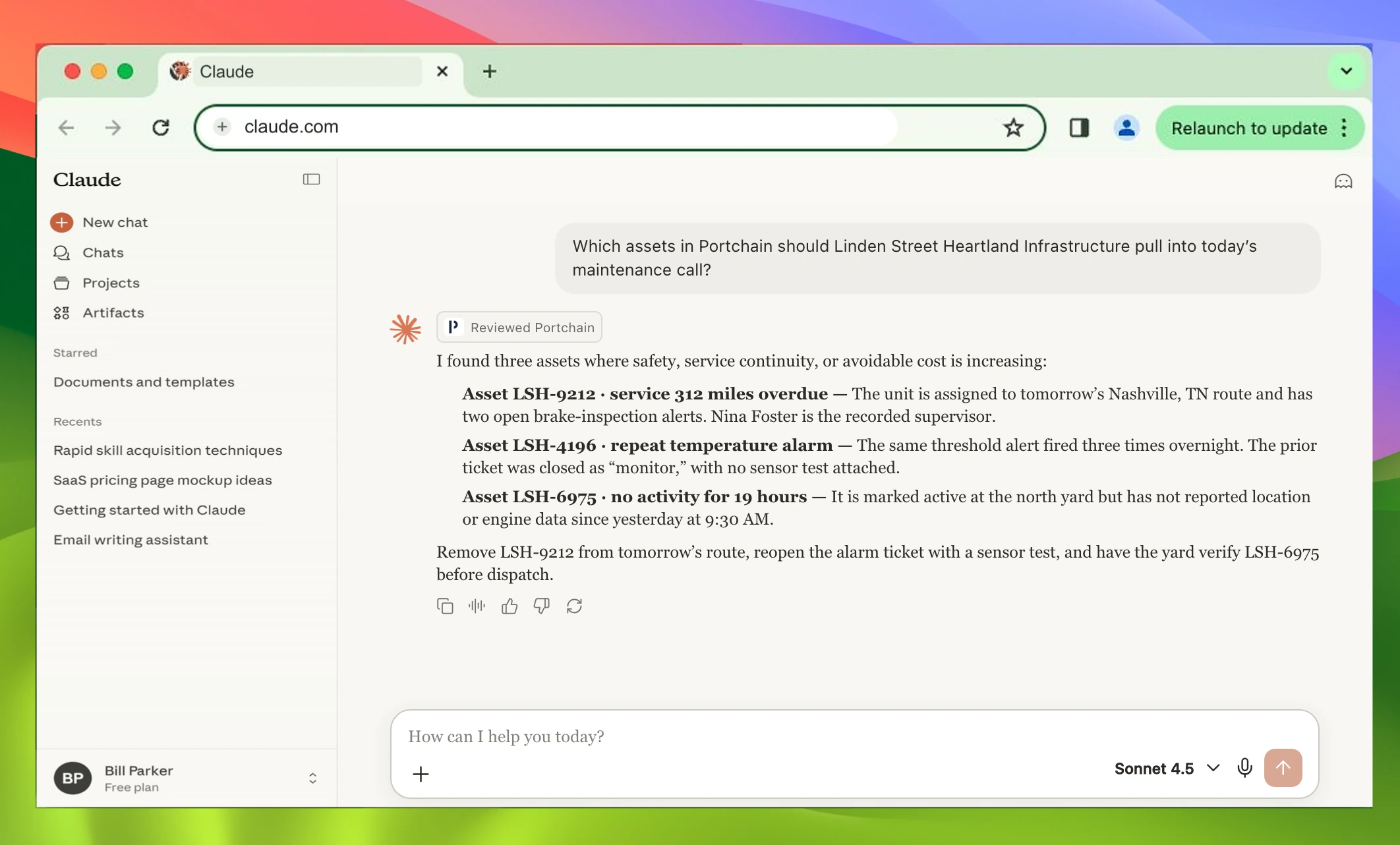
Which assets in Portchain should Linden Street Heartland Infrastructure pull into today’s maintenance call?
I found three assets where safety, service continuity, or avoidable cost is increasing:
- Asset LSH-9212 · service 312 miles overdue The unit is assigned to tomorrow’s Nashville, TN route and has two open brake-inspection alerts. Nina Foster is the recorded supervisor.
- Asset LSH-4196 · repeat temperature alarm The same threshold alert fired three times overnight. The prior ticket was closed as “monitor,” with no sensor test attached.
- Asset LSH-6975 · no activity for 19 hours It is marked active at the north yard but has not reported location or engine data since yesterday at 9:30 AM.
Remove LSH-9212 from tomorrow’s route, reopen the alarm ticket with a sensor test, and have the yard verify LSH-6975 before dispatch.
ChatGPT version.
View ChatGPT page →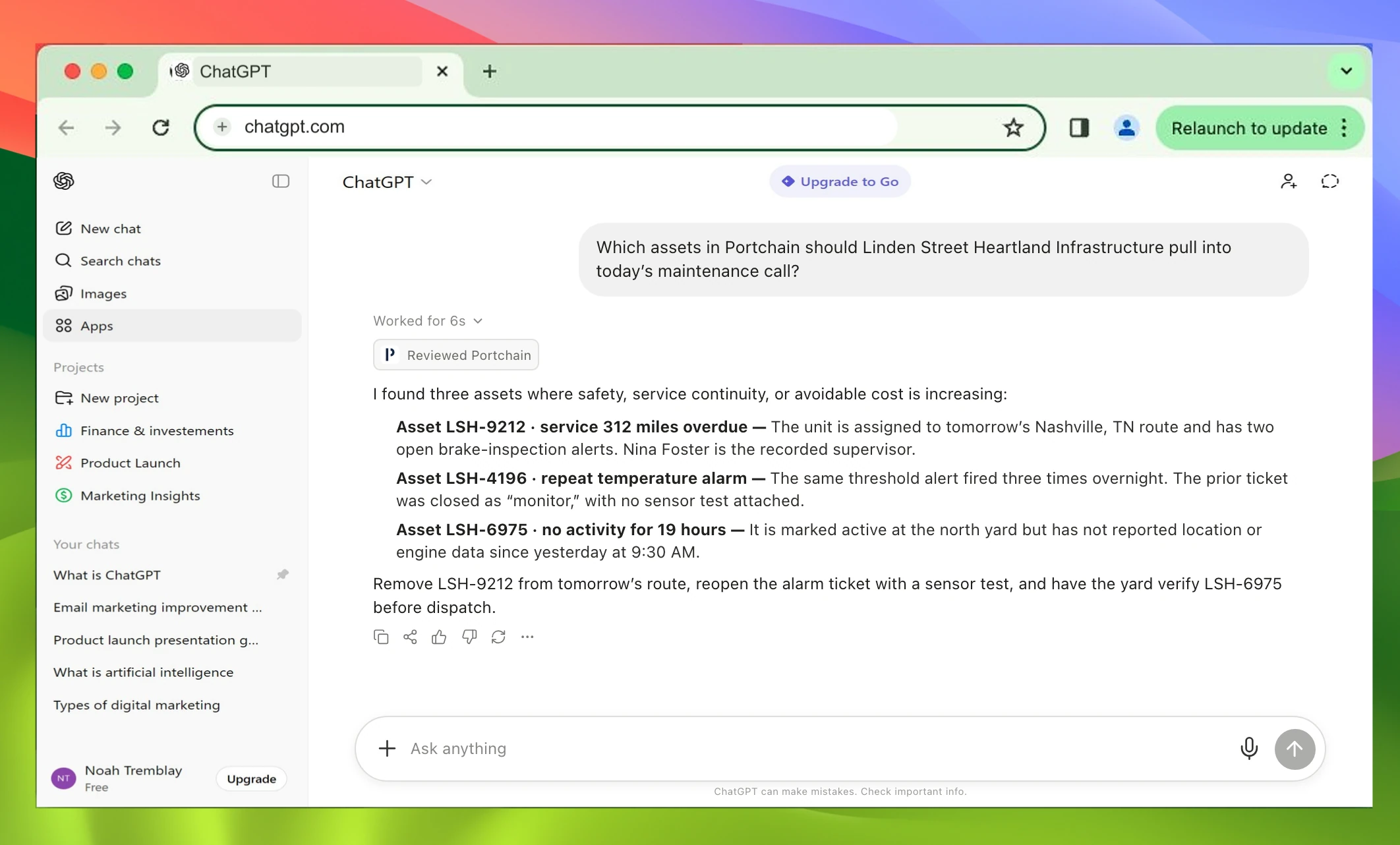
Which assets in Portchain should Linden Street Heartland Infrastructure pull into today’s maintenance call?
I found three assets where safety, service continuity, or avoidable cost is increasing:
- Asset LSH-9212 · service 312 miles overdue The unit is assigned to tomorrow’s Nashville, TN route and has two open brake-inspection alerts. Nina Foster is the recorded supervisor.
- Asset LSH-4196 · repeat temperature alarm The same threshold alert fired three times overnight. The prior ticket was closed as “monitor,” with no sensor test attached.
- Asset LSH-6975 · no activity for 19 hours It is marked active at the north yard but has not reported location or engine data since yesterday at 9:30 AM.
Remove LSH-9212 from tomorrow’s route, reopen the alarm ticket with a sensor test, and have the yard verify LSH-6975 before dispatch.
Setup included.
- 1Review
- 2Configure
- 3Connect + test